// writing
Writing — Page 28
A mix of technical deep-dives, career reflections, and dispatches from the road.
travelMay 15, 2021· 1 min
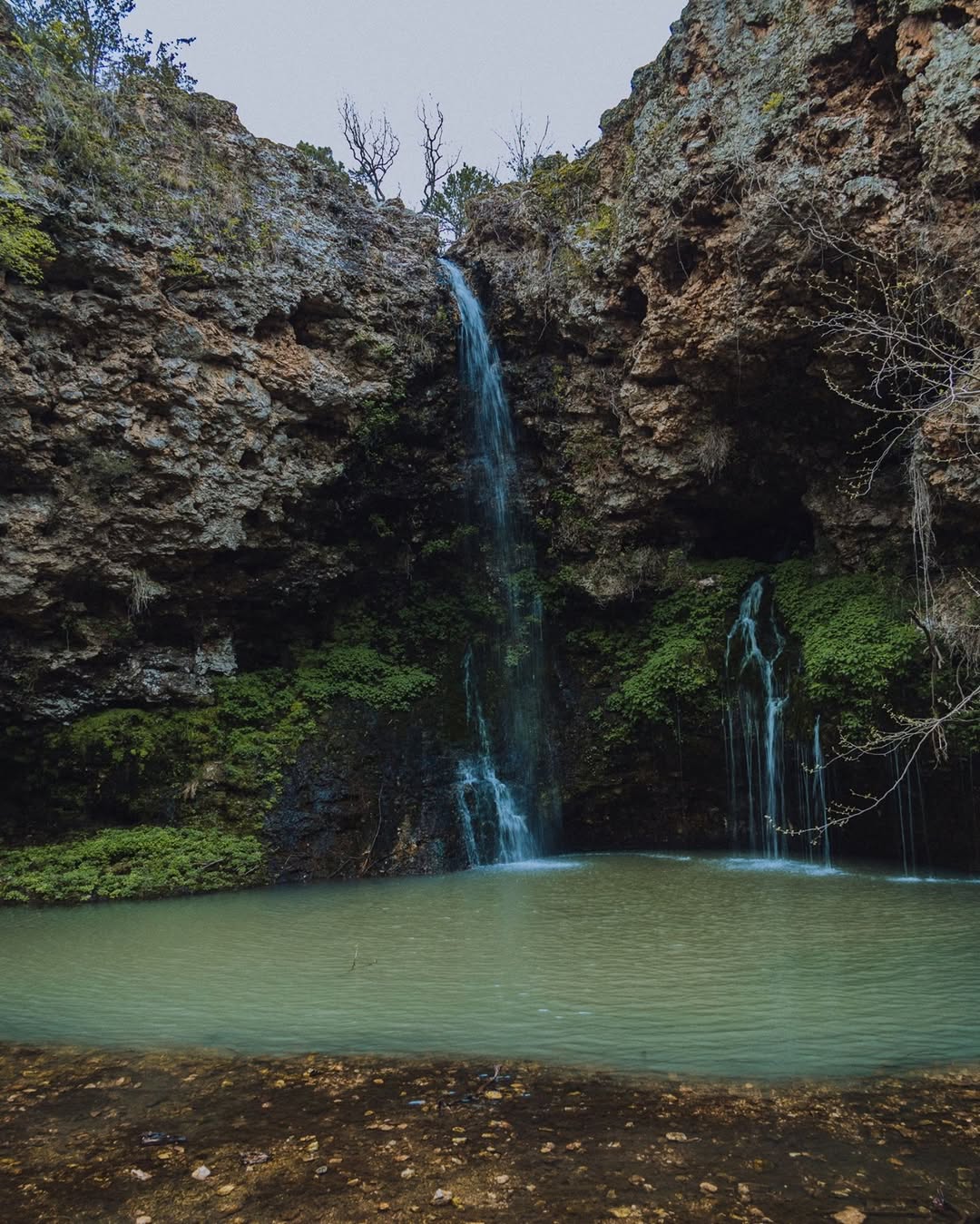
Natural Falls State Park
A 77-foot waterfall in the Oklahoma Ozarks, filming location for Where the Red Fern Grows, with lamp posts from the 1920s still lining the trail.
read more →
travelMay 8, 2021· 2 min
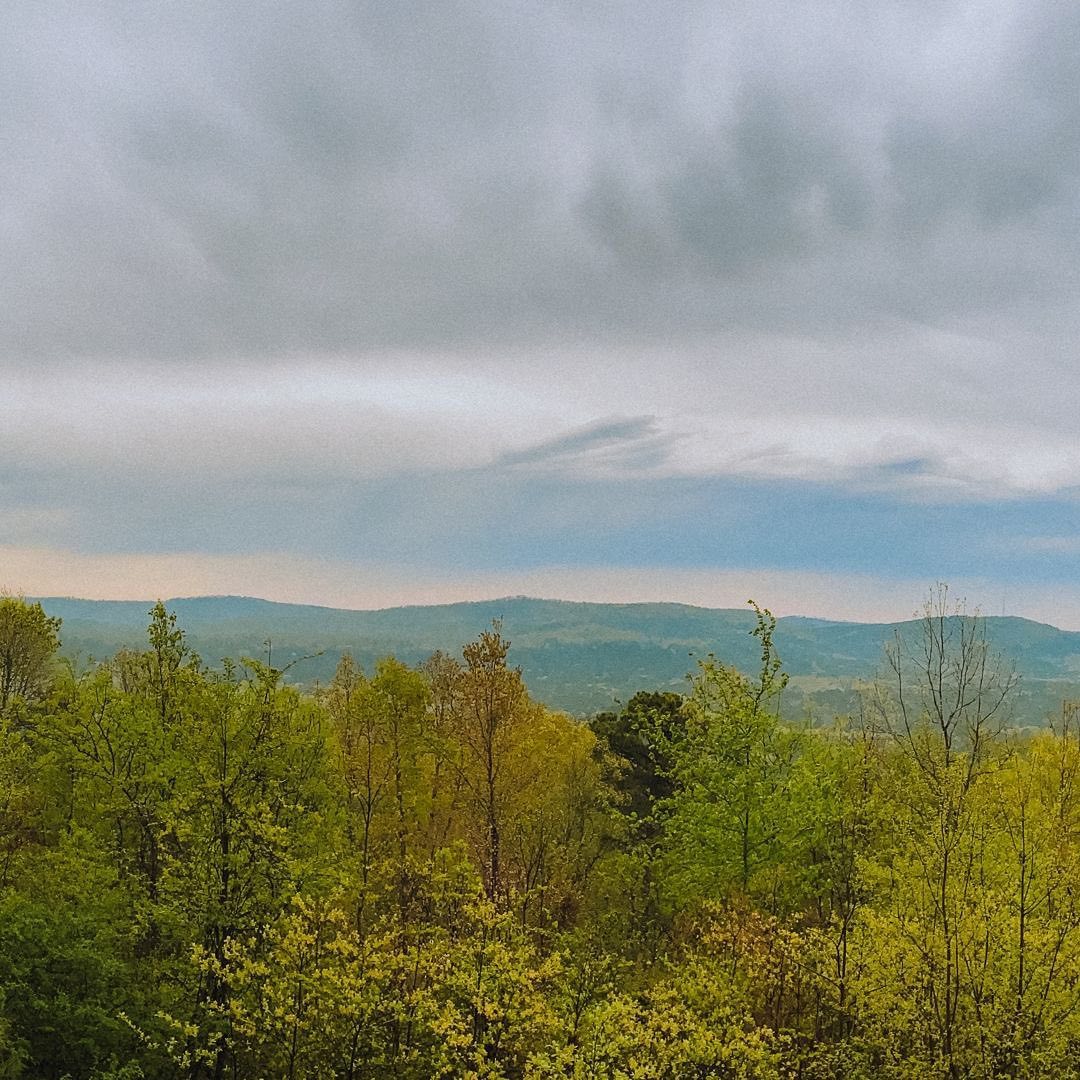
Hot Springs, Arkansas: Gangsters, Geothermal Water, and a National Park in a City
Hot Springs National Park in Arkansas is unlike any other national park — it sits inside a small city, and the park's thermal springs have drawn everyone…
read more →
travelMay 1, 2021· 1 min
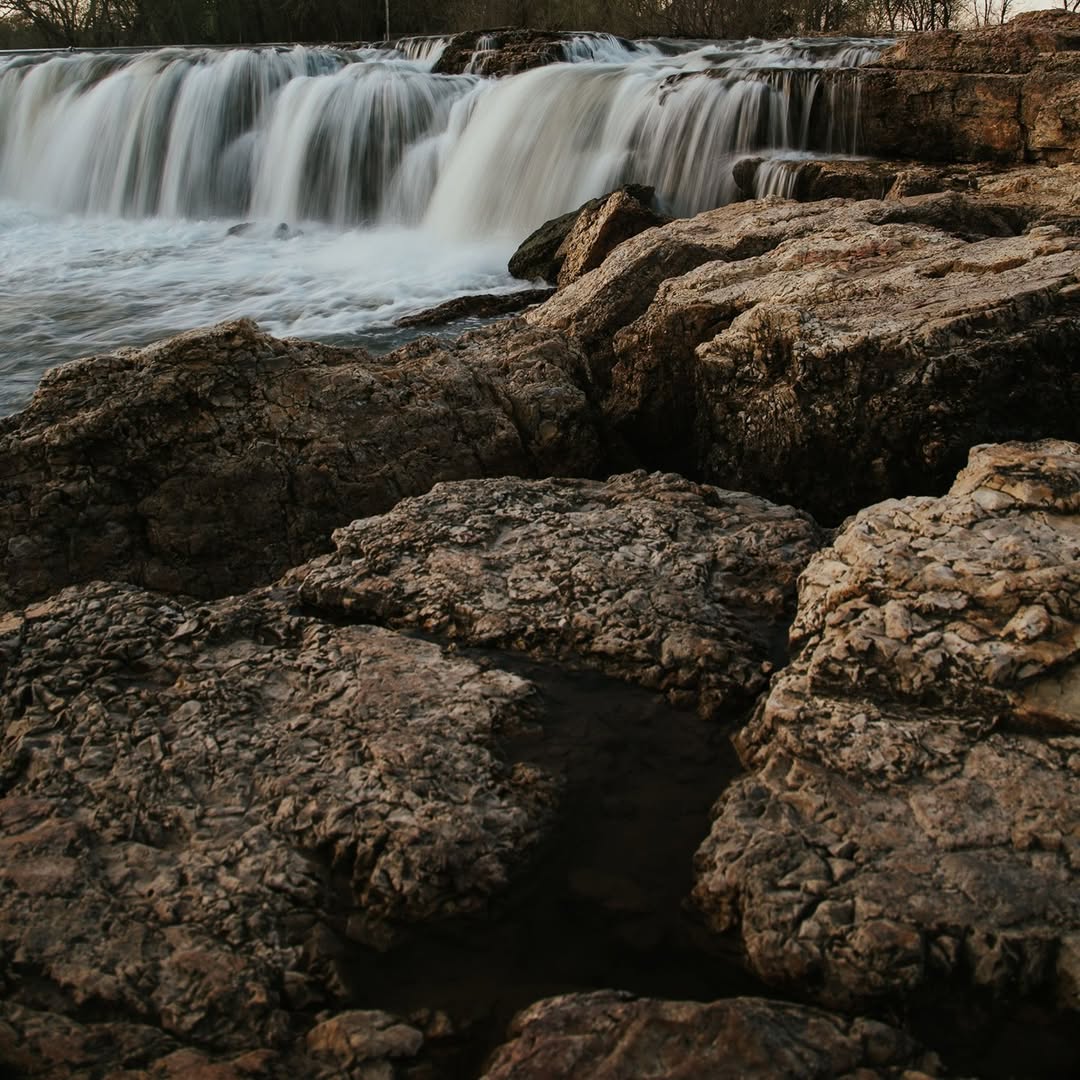
Grand Waterfall Joplin Mo
Missouri's widest continuously running waterfall outside Joplin — 163 feet across solid chert, a local favorite for fishing and swimming for generations.
read more →
travelApr 28, 2021· 1 min
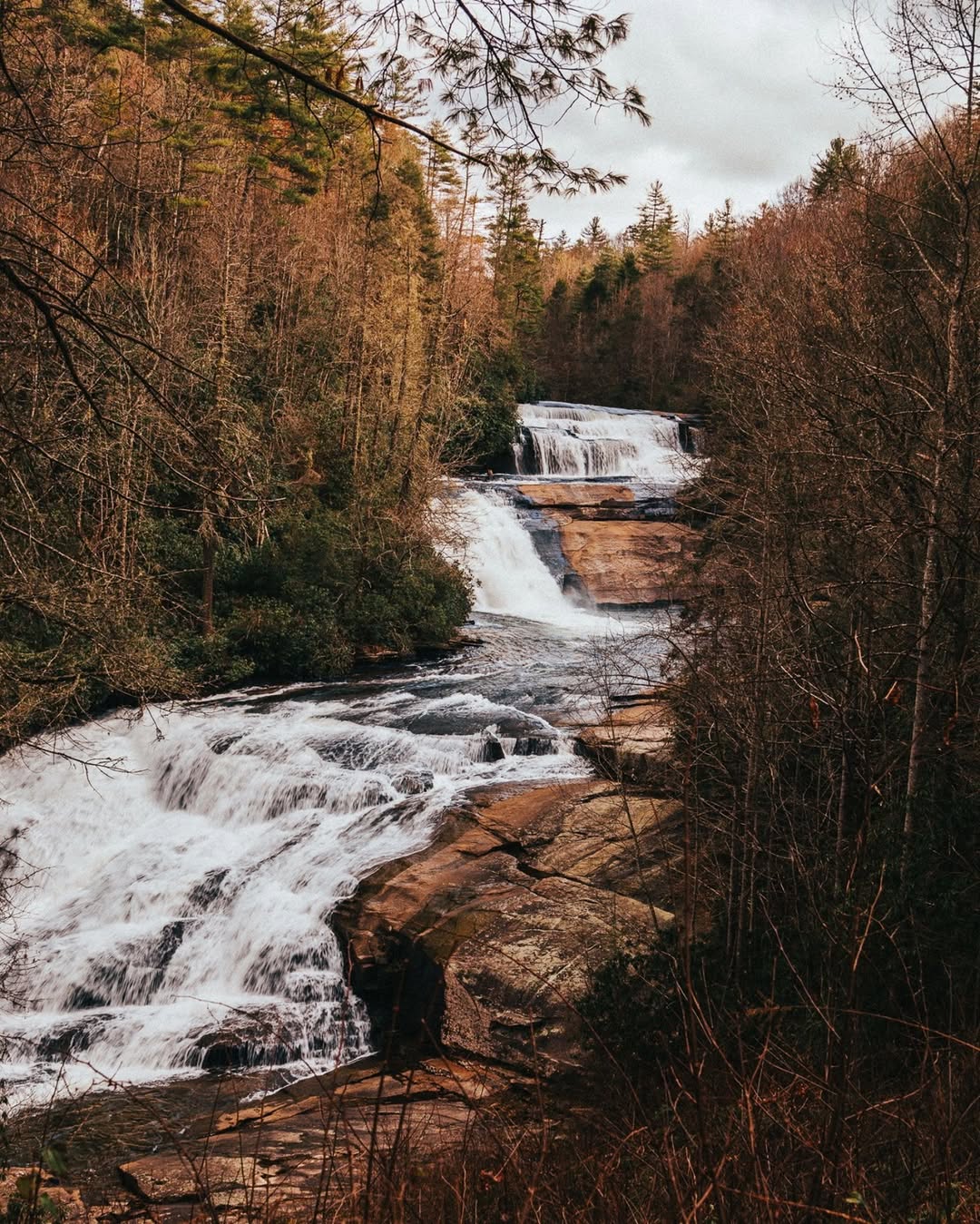
Triple Falls Productions
Triple Falls in DuPont State Forest — three tiers of Little River waterfalls, a Hunger Games filming location, and some of the best hiking in western North…
read more →
travelApr 24, 2021· 1 min
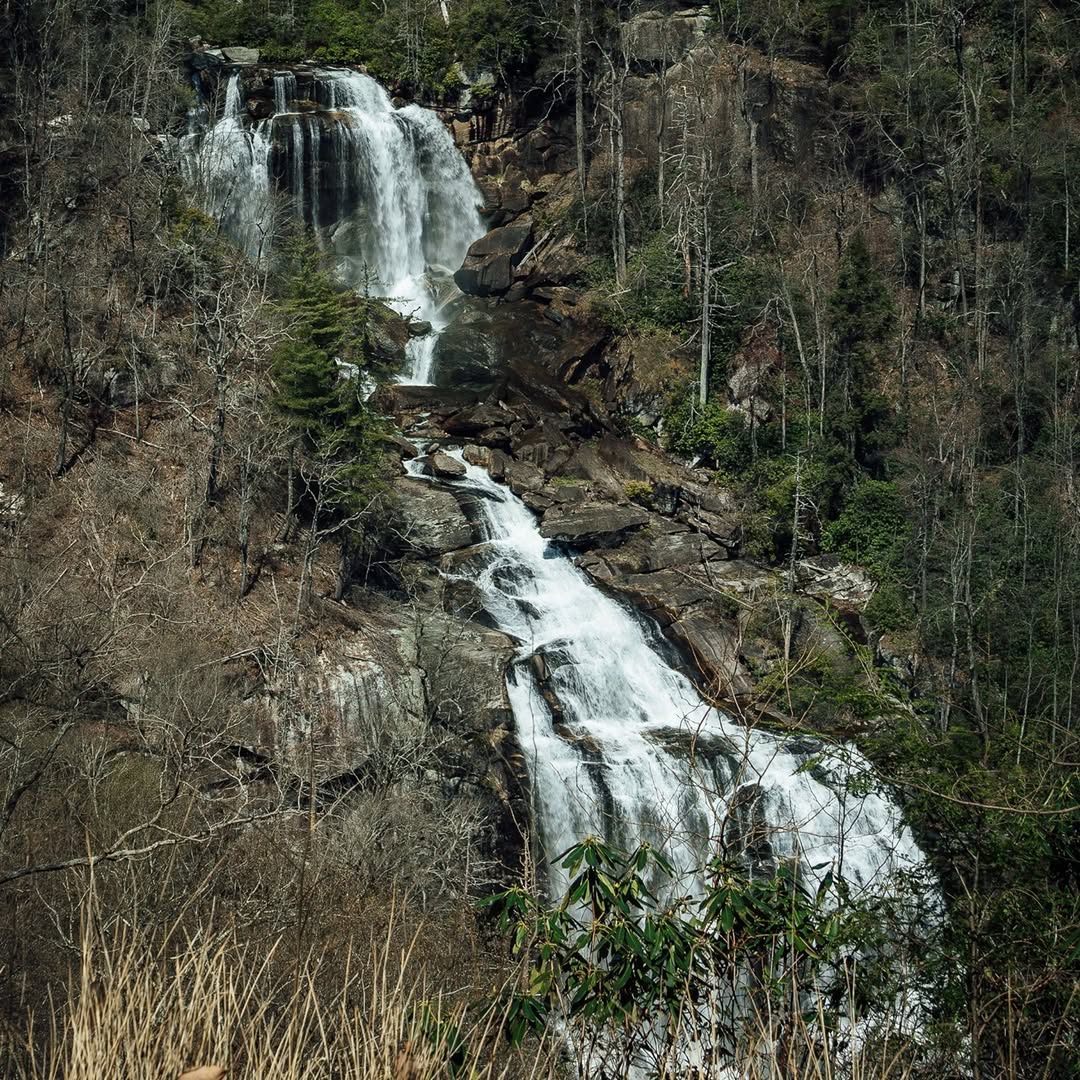
Whitewater Falls
The highest waterfall east of the Rockies at up to 411 feet, plunging through Nantahala National Forest on the NC-SC border.
read more →
travelApr 10, 2021· 1 min
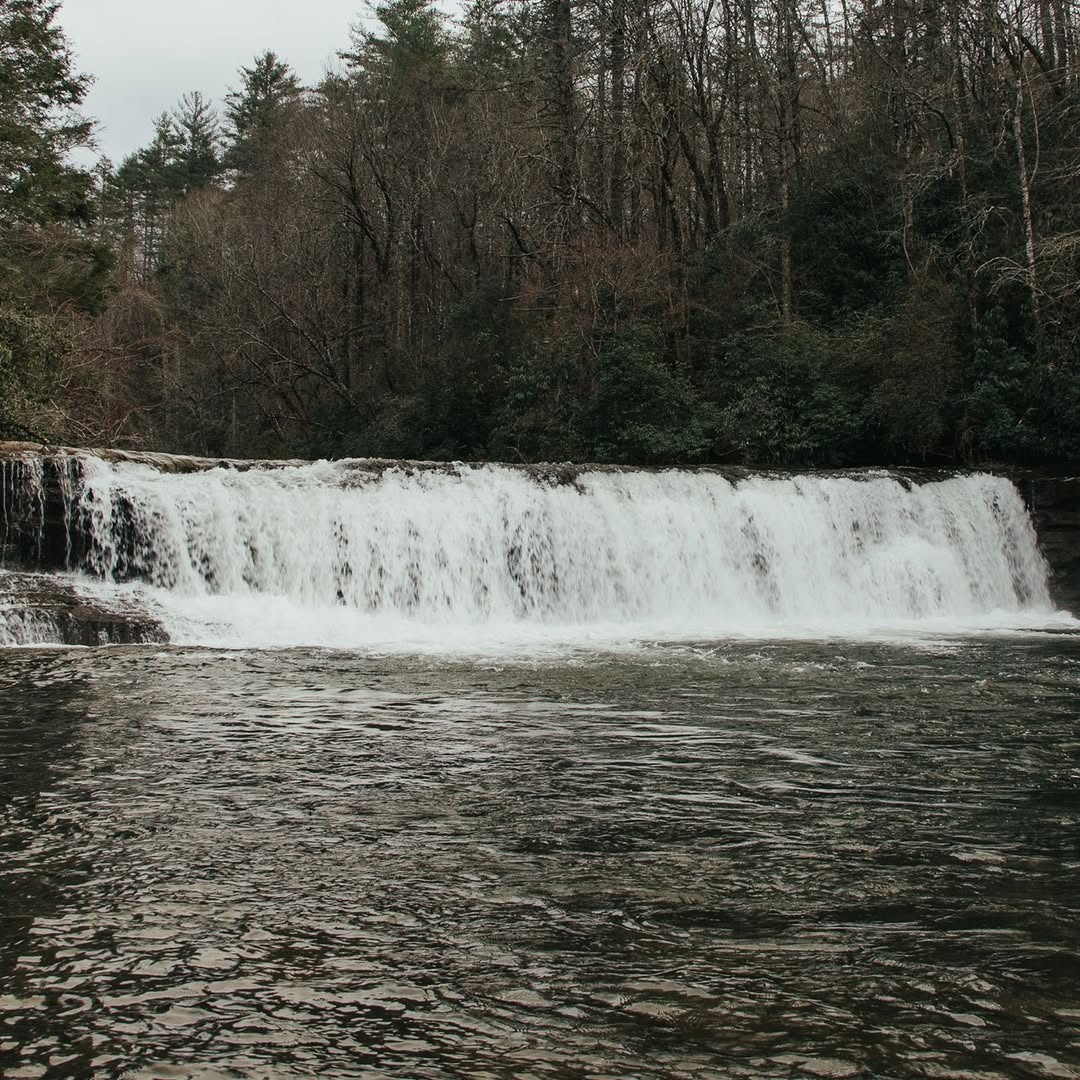
Hooker Falls
A 14-foot waterfall in DuPont State Forest with one of the best swimming holes in western North Carolina — short hike, big payoff.
read more →
travelApr 7, 2021· 1 min
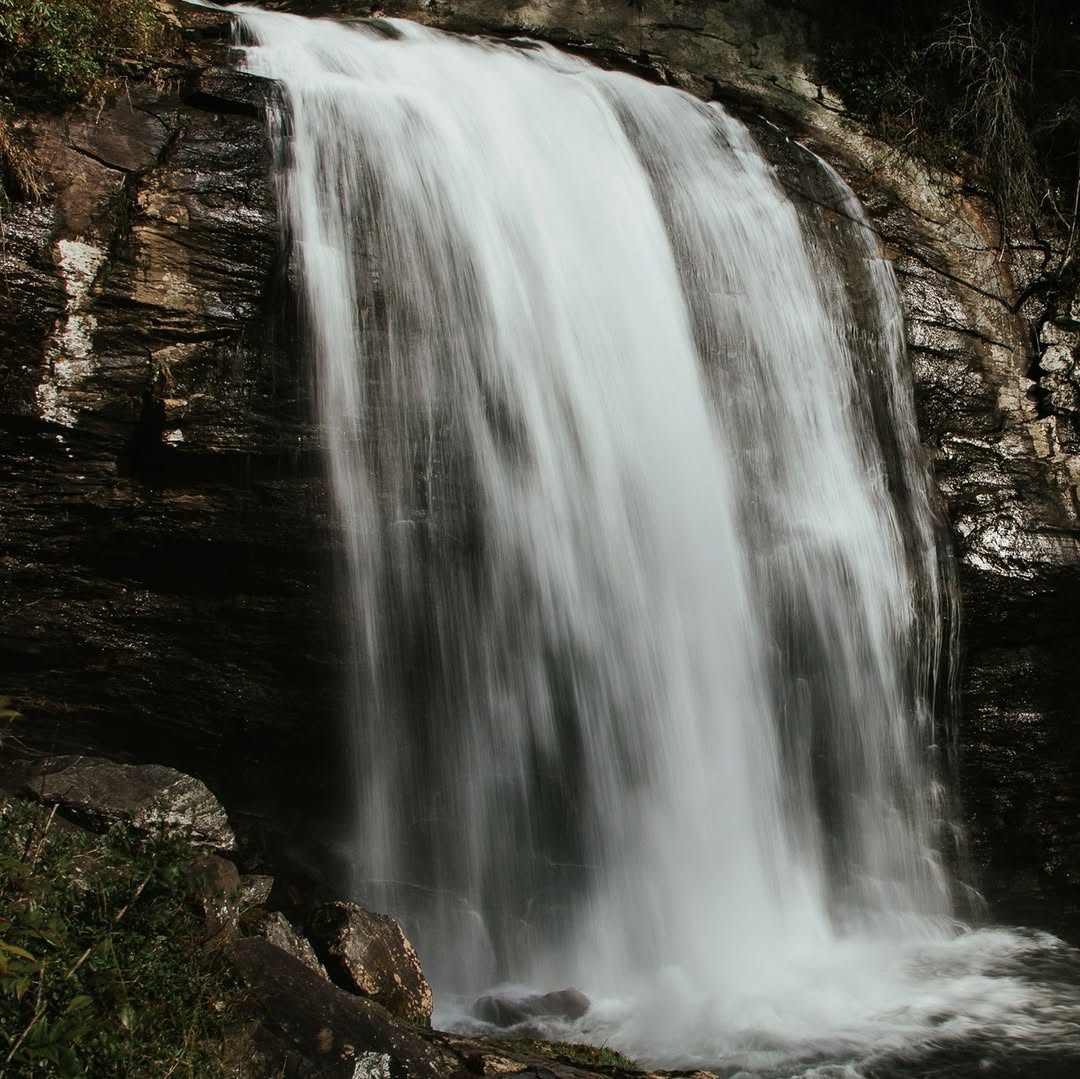
Looking Glass Falls
A 60-foot roadside waterfall in Pisgah National Forest near Brevard, NC — most accessible and most beautiful, no hike required.
read more →
travelApr 5, 2021· 2 min
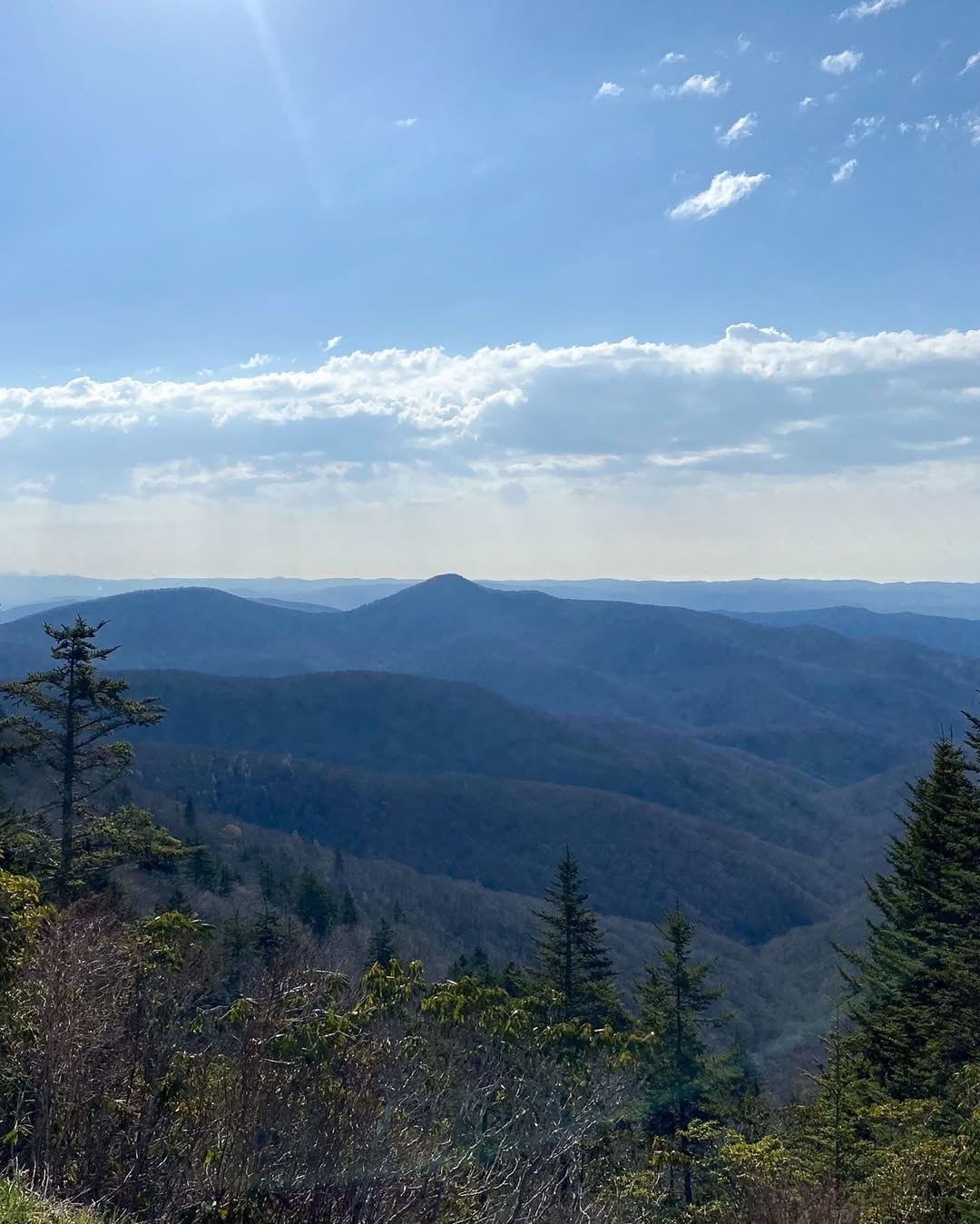
The Blue Ridge Parkway: America's Best Road
The Blue Ridge Parkway runs 469 miles through the Appalachians from Virginia to North Carolina, with no stoplights, no trucks, and an overlook every 1.7…
read more →
travelMar 4, 2021· 1 min
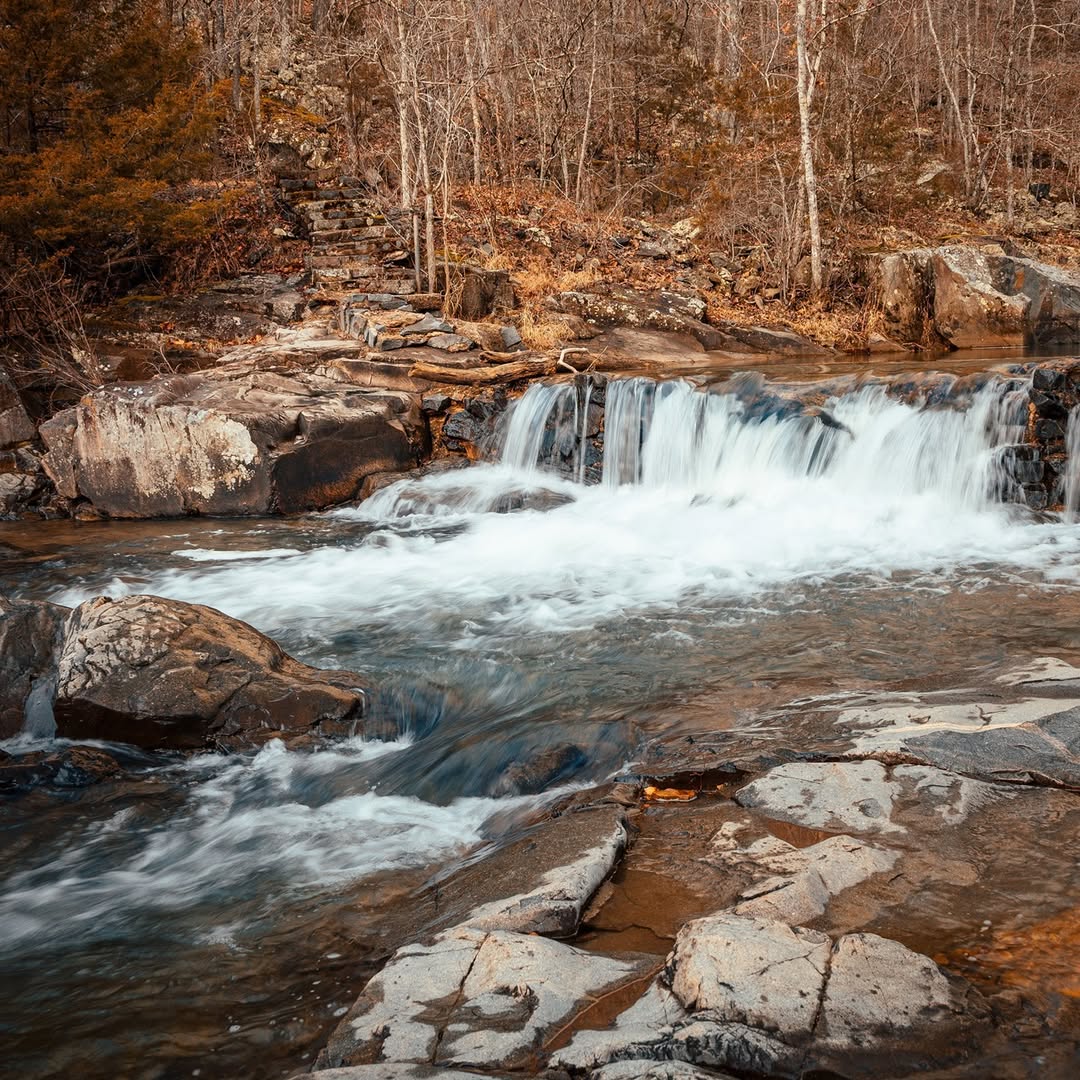
Lon Sanders Canyon Conservation Area
A short Ozark hike through a rocky gorge with hand-cut stone steps, small waterfalls, and the alleged hideout of the Jesse James gang after the Gads Hill…
read more →
// the newsletter